Make sure you use the right PEI sheet/plate for the filament you’re printing with! For example, the smooth sheet works well with PLA but not PETG – we’ve actually damaged one of the sheets by printing PETG on a smooth sheet. For a full set of guidelines consult the Prusa Filament Guide…
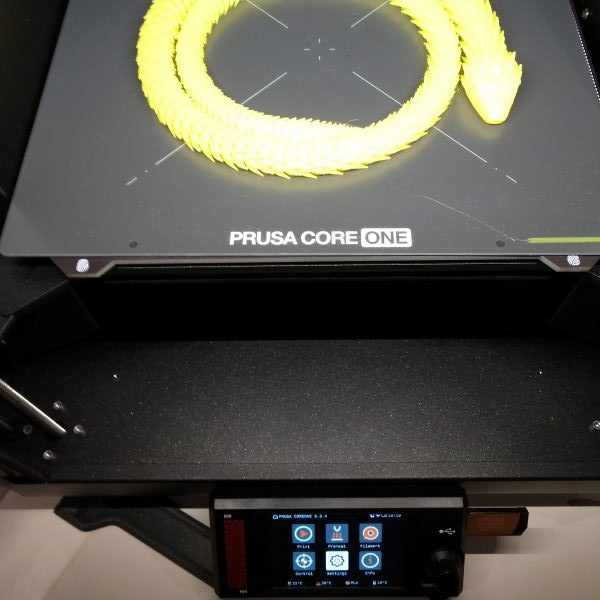
And get the sheet/plate on straight! Already messed this one up a couple of times. Before laying it flat on the magnetic plate, push it to the back so the large notch in the back is against both pins. It’s obvious what to do if you think about it (and sometimes the printer software catches the mistake).
When using PrusaSlicer make sure you set the temperature correctly for the filament you’re using. We have a wide variety of filaments at the makerspace that print with different temperatures and it’s easy to miss setting the temperature correctly since it’s on not on the Print Settings tab. You can adjust it on the printer while it’s running (Settings on the Core One front panel).
Core One maintenance.
Core One Nextruder nozzle change.
Filament sensor check/cleaning.
More yet to come!
Last updated on 12/8/25.